
 Ethan Sienes
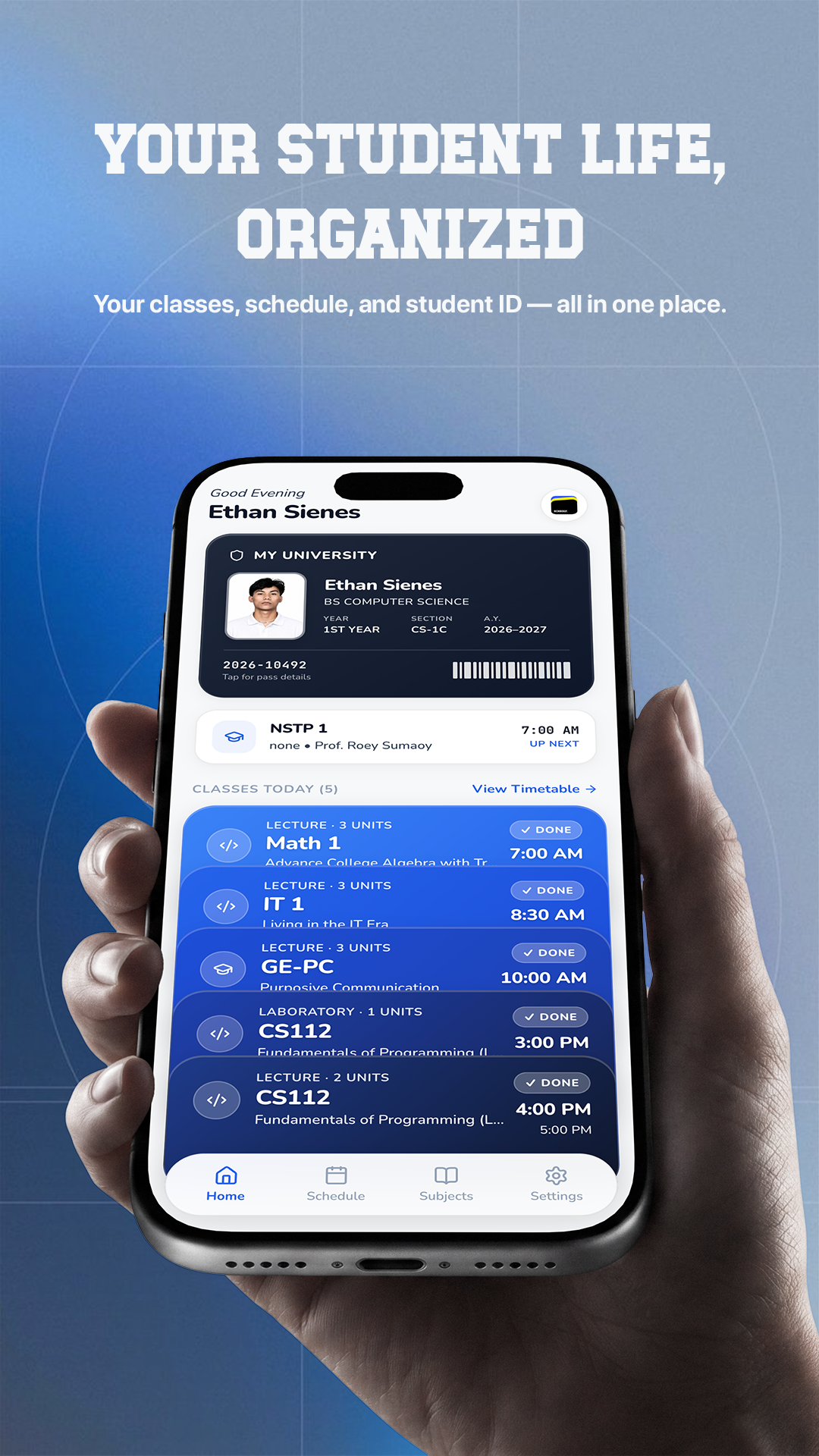
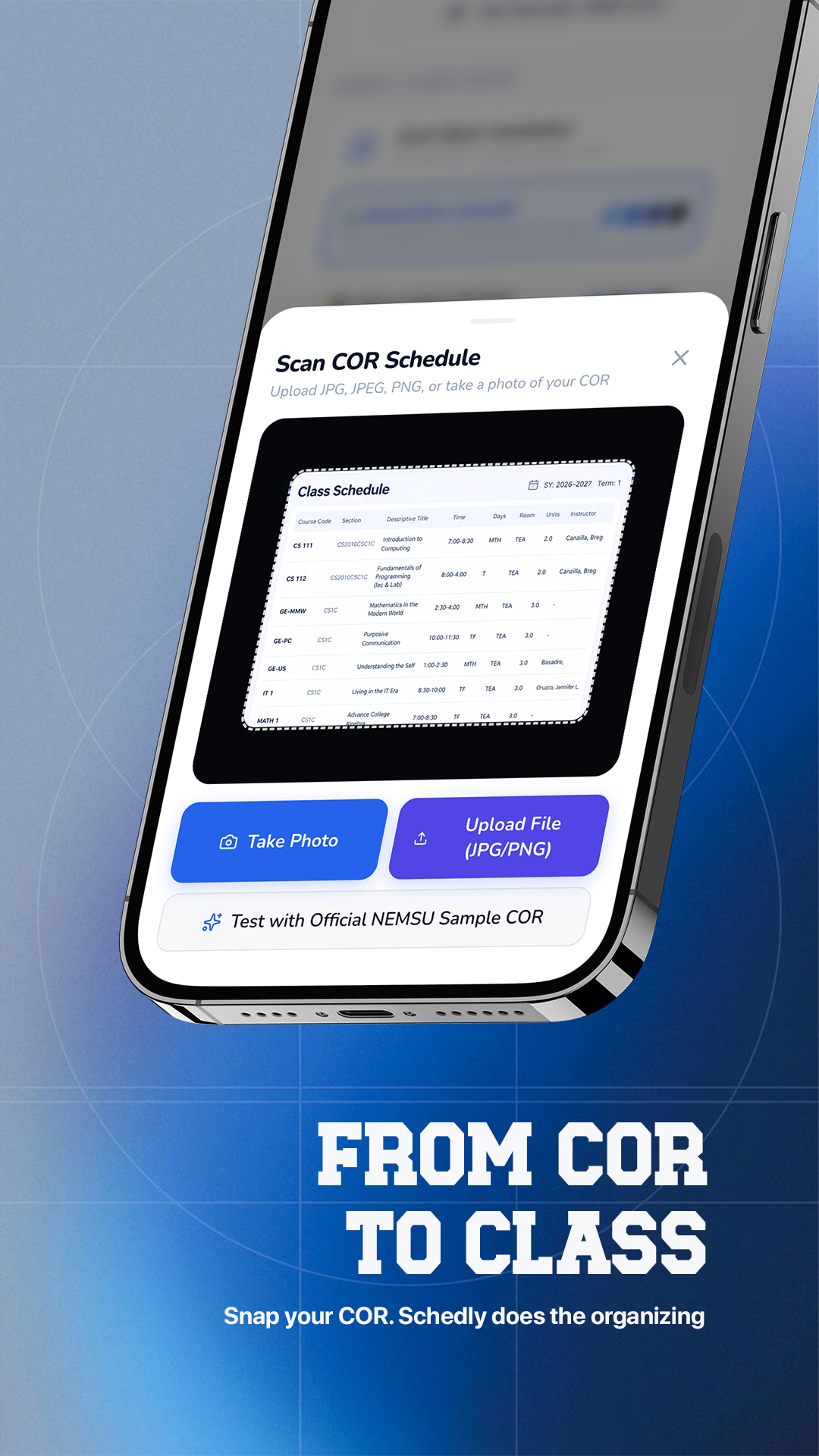
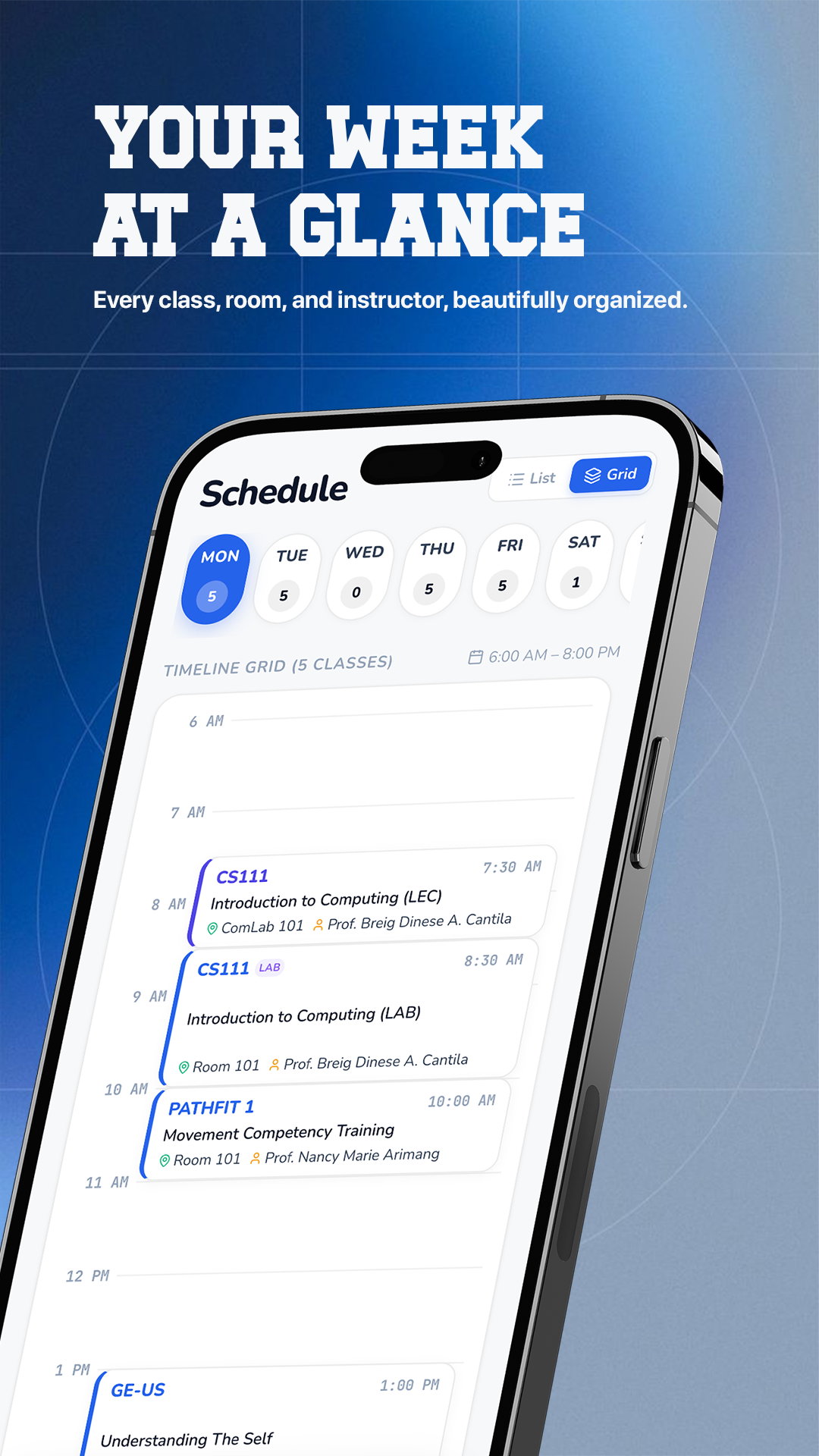
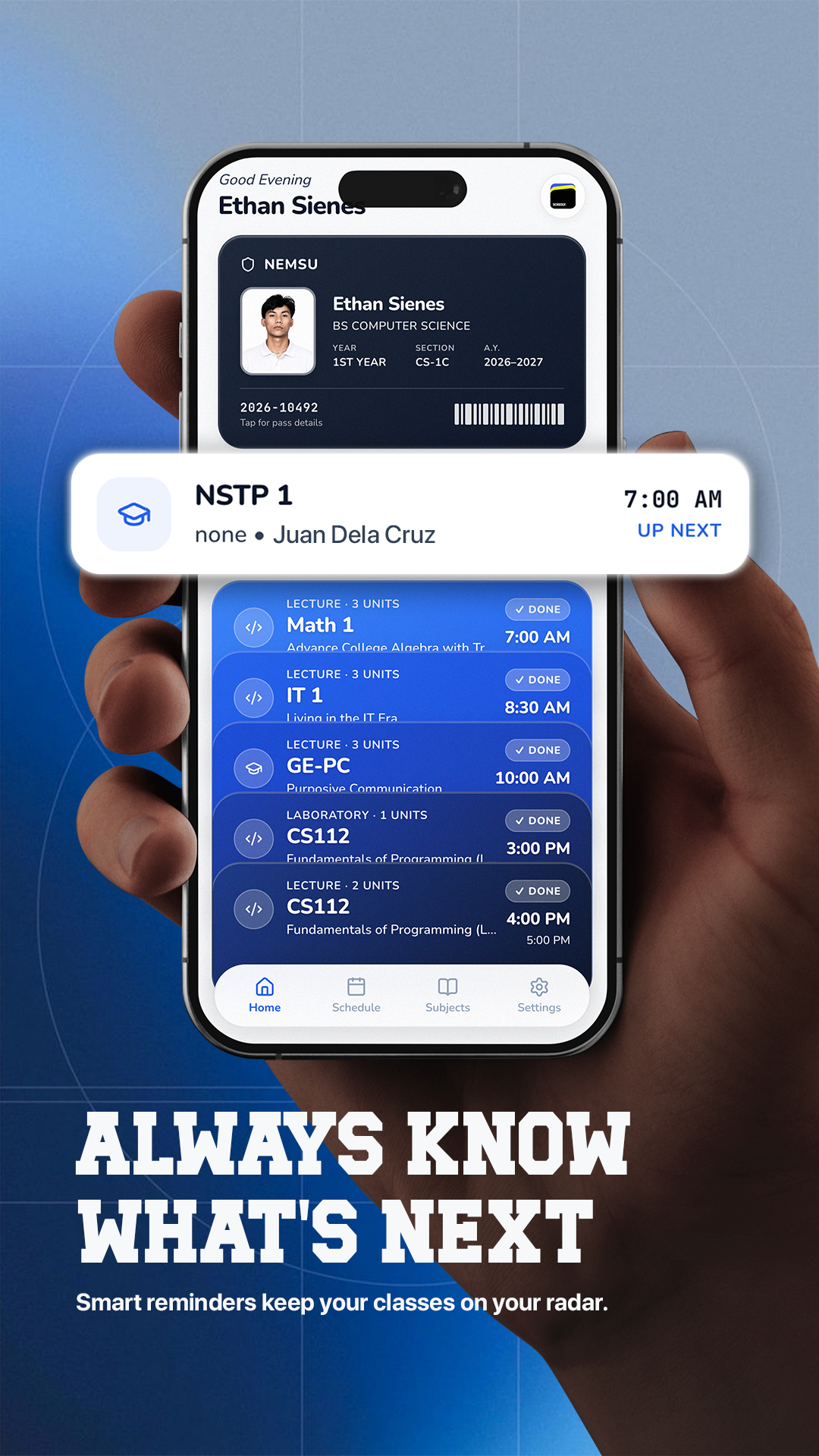
What's New
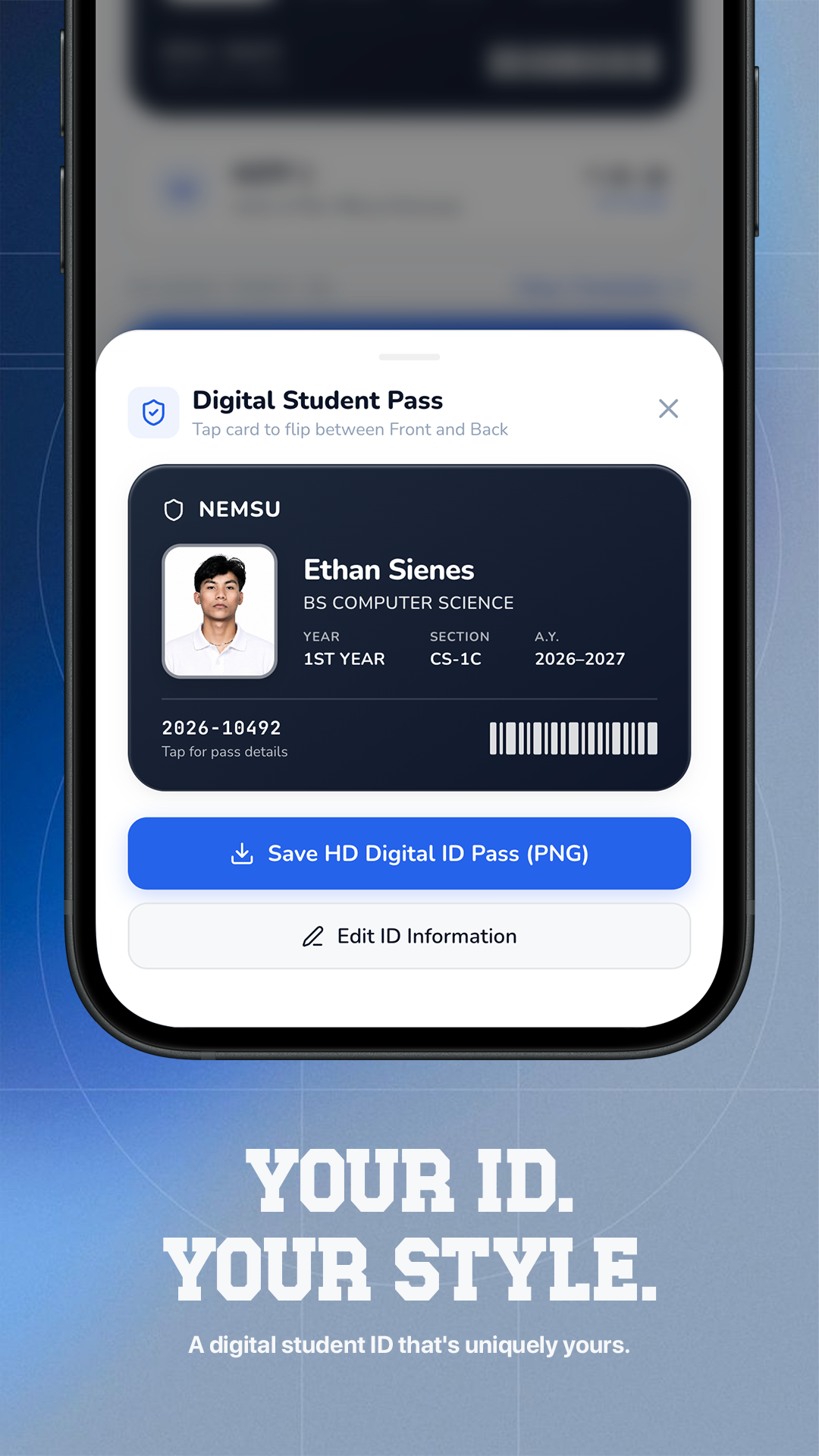
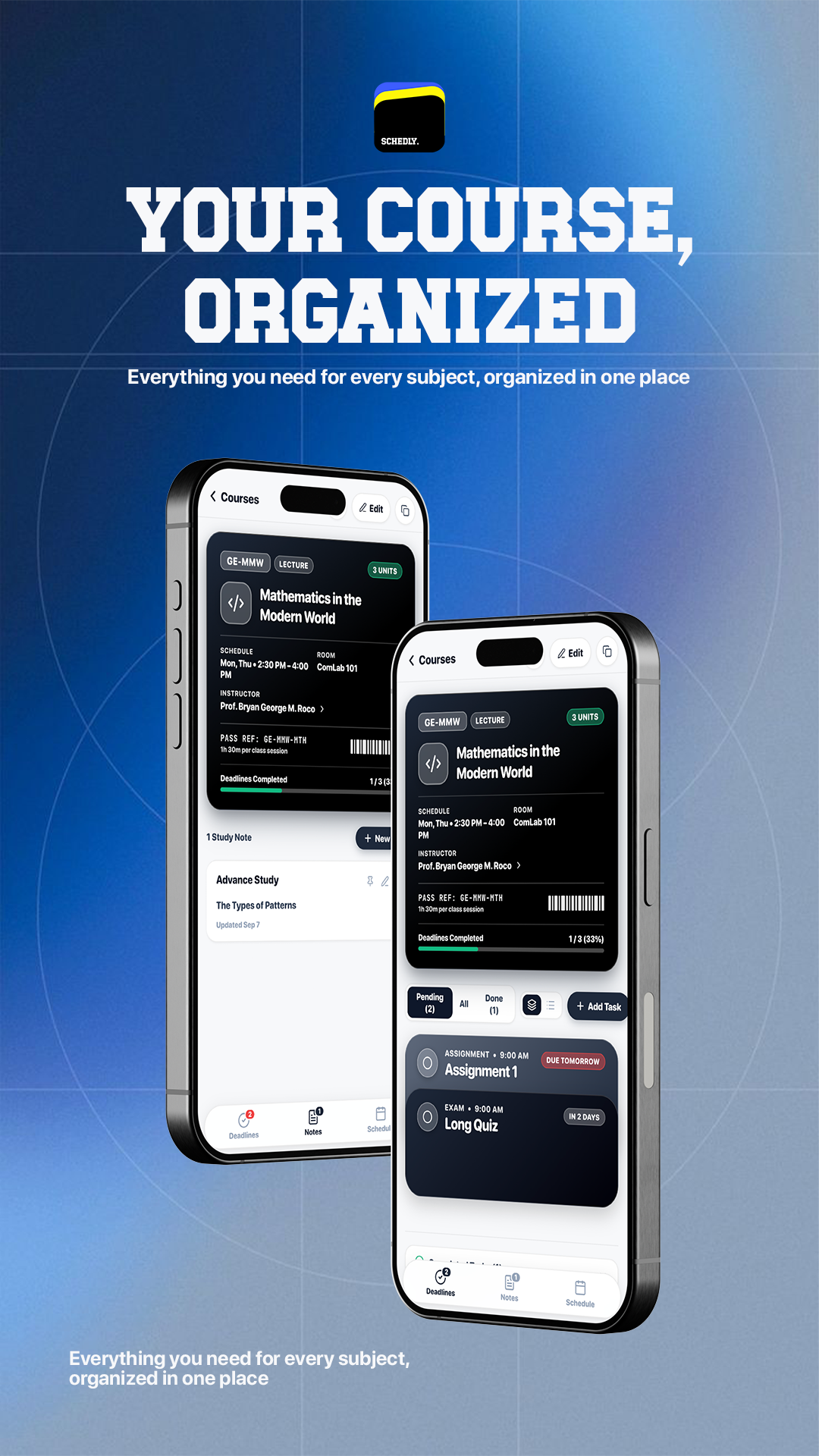
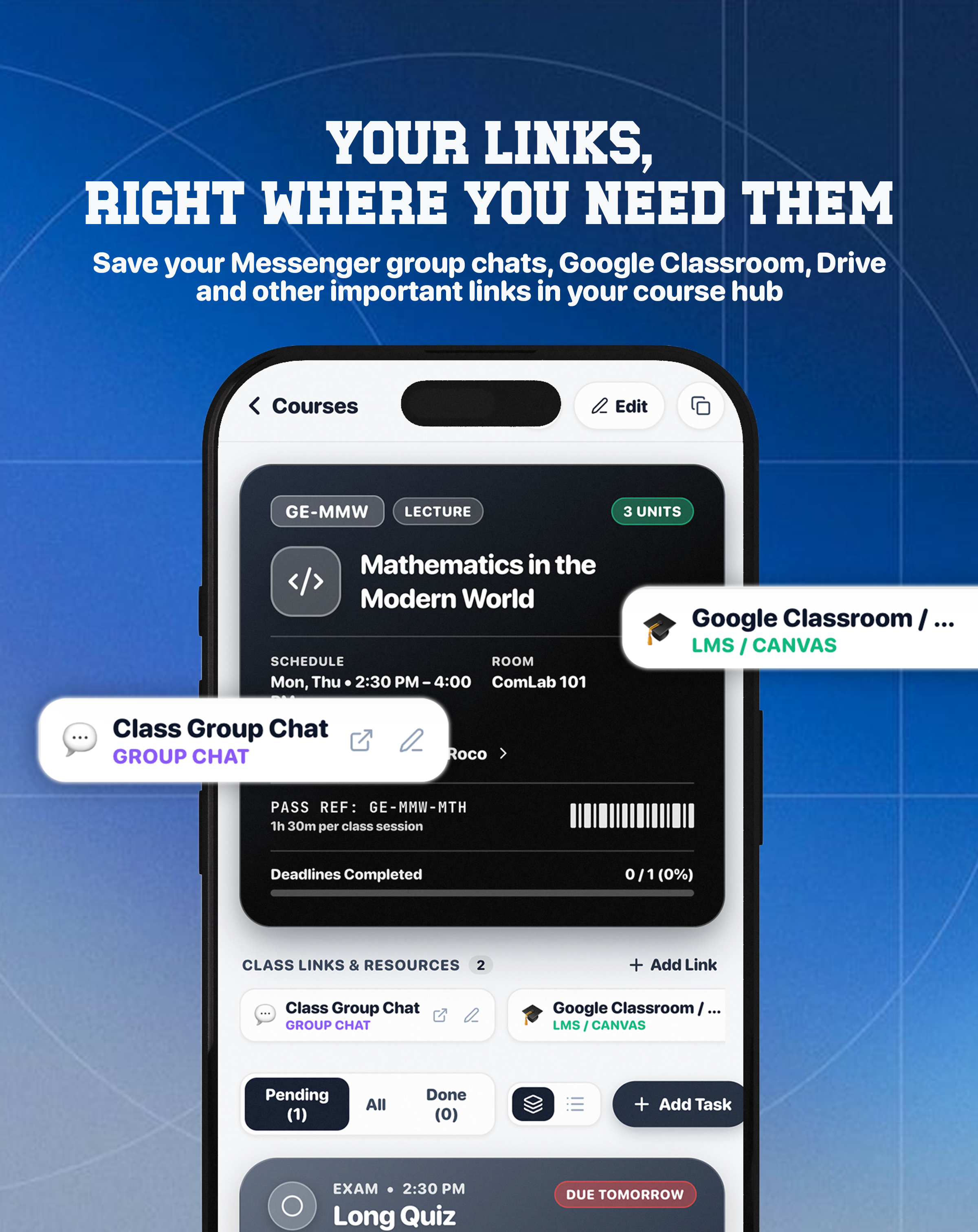
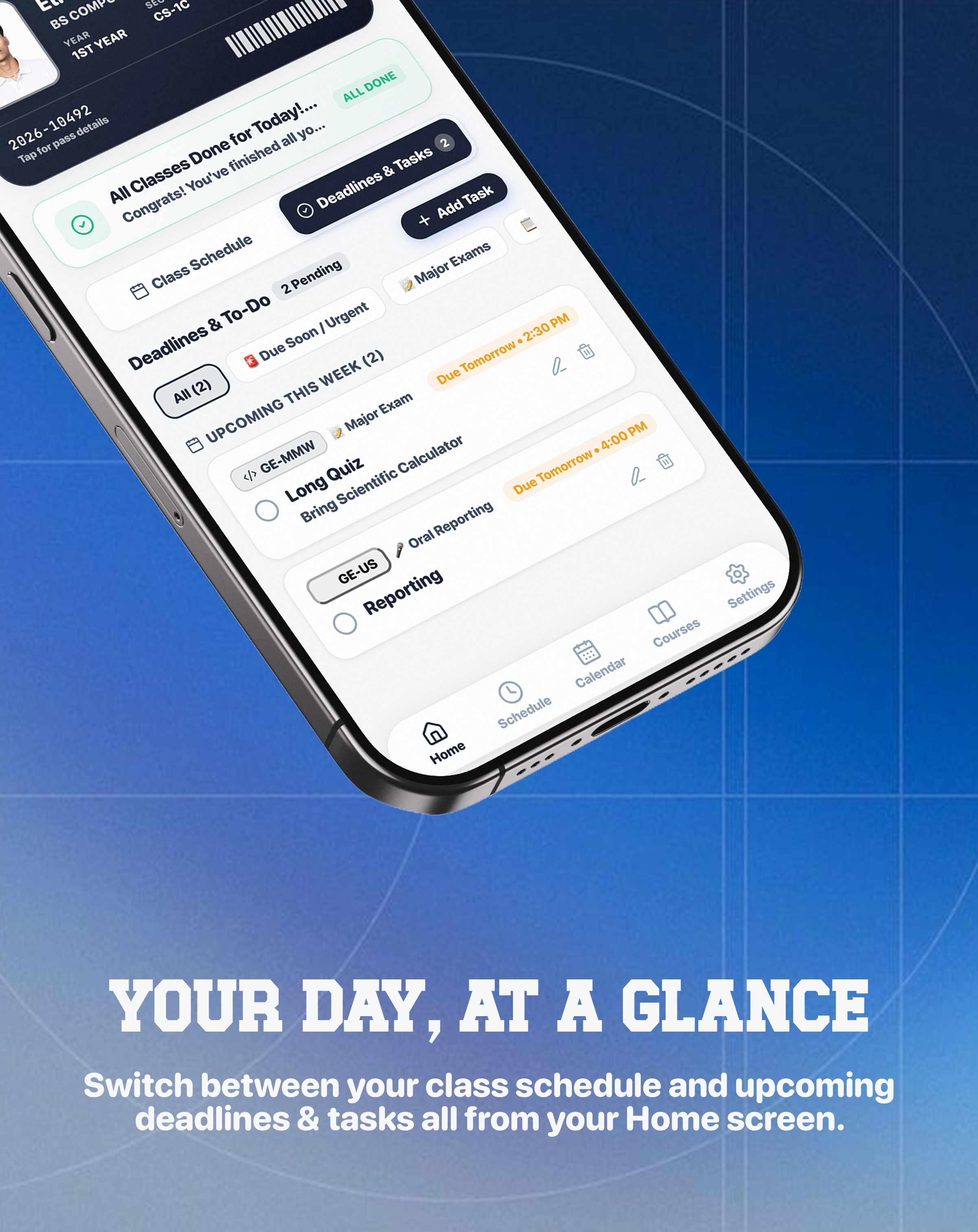
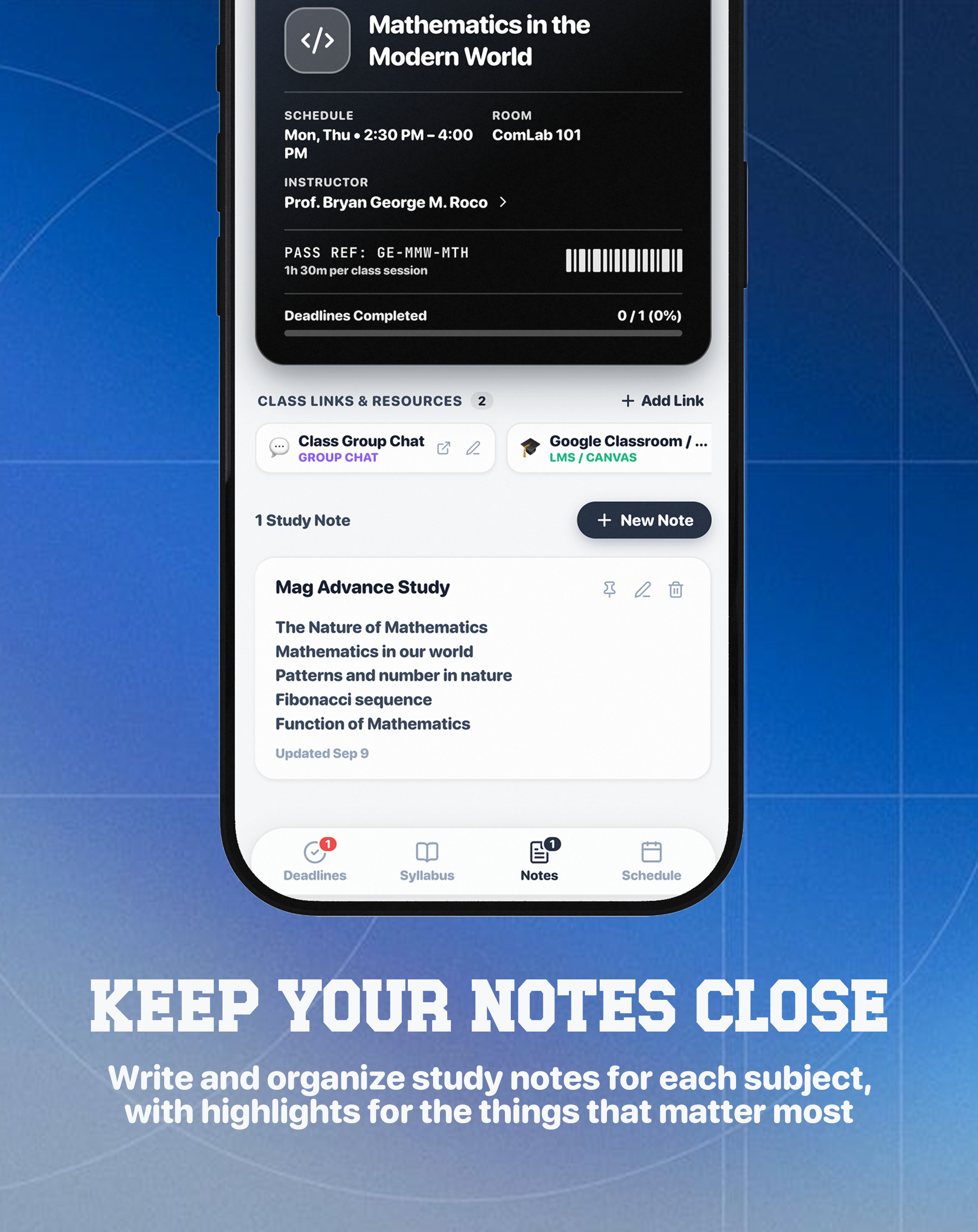
Version 1.4.0 — The Biggest Schedly Update Yet: Organize your class schedule, Get reminders for your classes & deadlines, Create a Course Hub for every subject, Track assignments, quizzes, exams & projects, Keep study notes organized by subject, Save important links like Messenger GCs, Google Classroom & Drive, Manage personal events & academic deadlines & Lightning Offline Performance
How to Install on iOS/Android
Add Schedly to your iPhone/Android Home Screen for the full native app experience with instant loading and offline support.
Tap the Share icon in the bottom Safari toolbar.
Scroll down the share sheet and tap Add to Home Screen.
Schedly is now on your Home Screen! Tap the icon to launch in full screen.
Tap the Share icon in the address bar (or tap the ··· menu → Share).
Scroll through the menu options and tap Add to Home Screen.
Tap Add in the top right to place Schedly on your iPhone screen.
Campuses Represented
Trusted by students across 47+ universities, colleges, and schools nationwide. Search your campus below to see if fellow students are organizing their schedules with Schedly.
Schedly works seamlessly for every curriculum and timetable structure. Be the pioneer student from your school!
Request Campus via Facebook* All institution and university names are trademarks™ or registered® trademarks of their respective holders. Use of these names signifies student user presence and does not imply official endorsement, sponsorship, or institutional affiliation.